Skip to content
All projects

LiveHospitality ordering1-minute read

Digital Menu

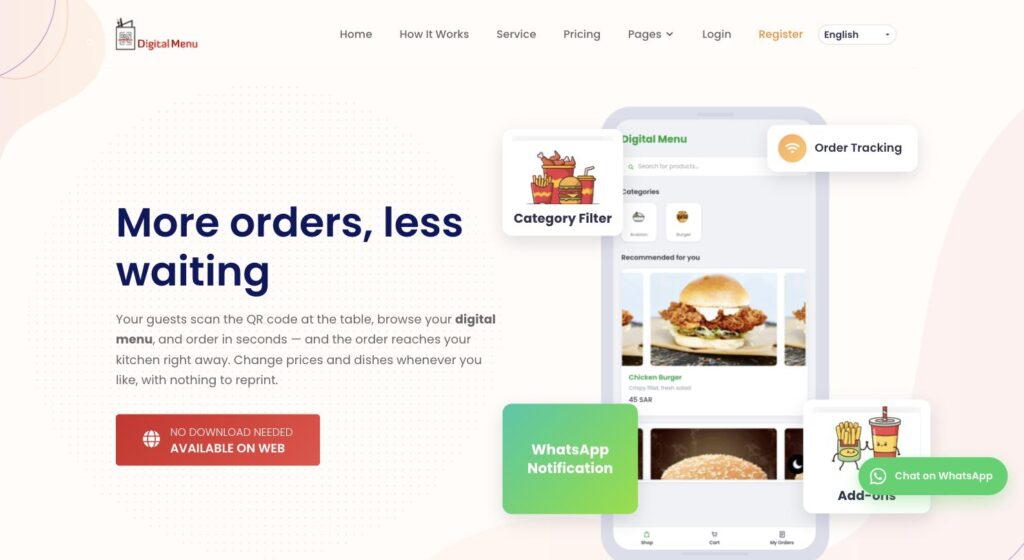
Guests scan the table code and order from their own phone; the order reaches the kitchen straight away.

Built with
  • Web platform
  • Multi-tenant
  • QR access
  • Managed hosting
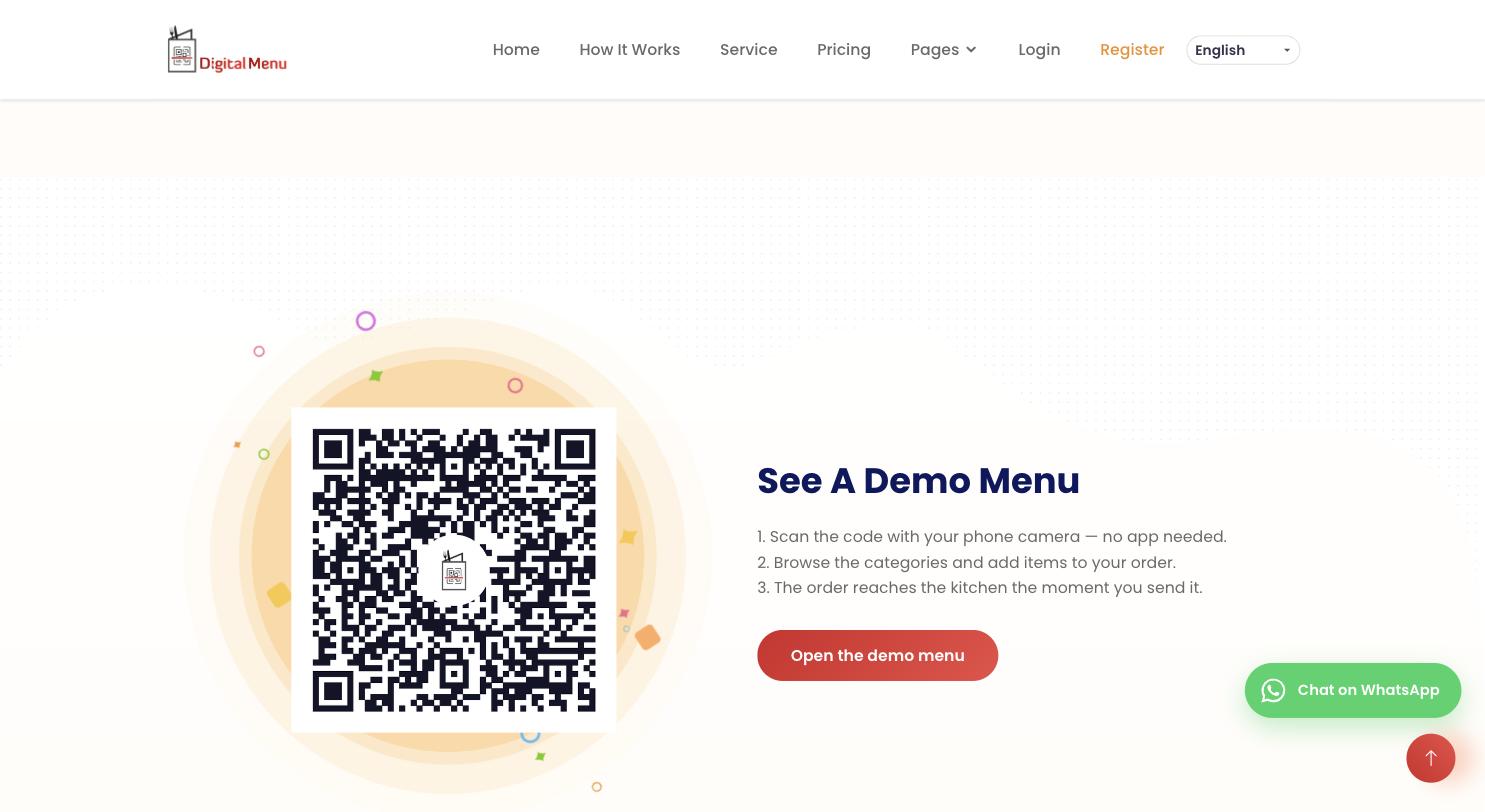
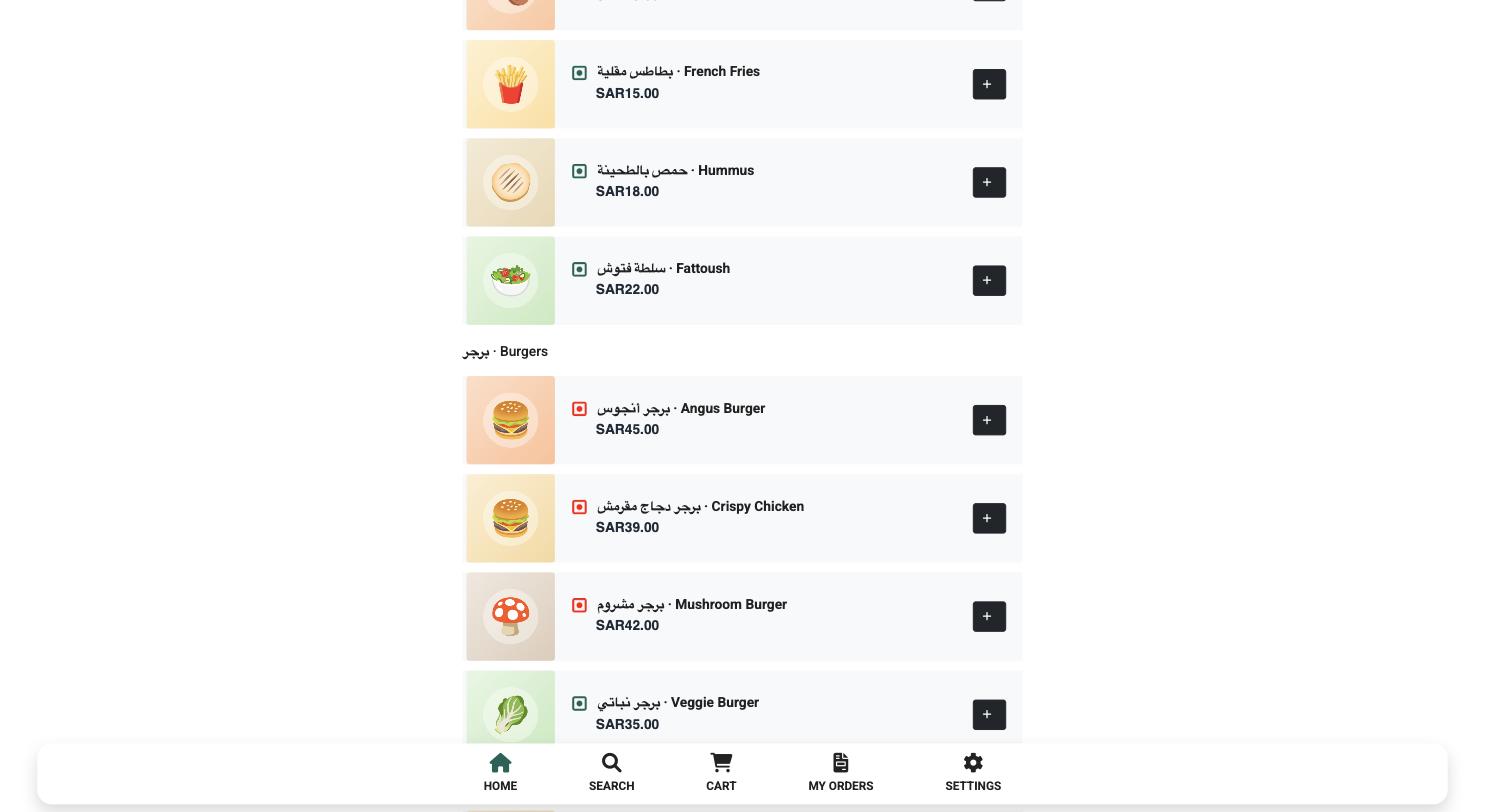
Digital Menu homepage showing the guest ordering interface on a phone

Problem

Printed menus go out of date with every price change, guests wait to order, and spoken orders get misheard.

Solution

A QR code on the table opens the menu in the browser, so guests browse and order without installing anything. The restaurant edits dishes and prices itself, and each restaurant runs independently on one multi-tenant platform.

My contribution

End-to-end delivery of my own product: ordering flow, interface, platform, hosting and the kitchen workflow.

Key features

  • Browser menu opened by QR code, no app or sign-up
  • Orders go straight to the kitchen
  • Restaurants edit their own menu; the printed code stays valid
  • Restaurants can register and set up their own menu

Outcome

No reprinting when the menu changes, and fewer ordering mistakes between table and kitchen.

Live and open to new restaurants. Screens shown use demo restaurant data.
Technical details and full write-upArchitecture, security, testing and decisions, for readers who want the detail.

Overview

Digital Menu replaces the printed menu with a QR code. A guest points a phone camera at the code, the menu opens in the browser, and they browse and order without installing anything. The restaurant edits dishes and prices itself, and the same printed code keeps working.

It runs as a multi-tenant platform: restaurants sign up, set up their own menu, and operate independently.

The operational need

  • Printed menus go out of date the moment a price or a dish changes, and reprinting costs money every time.
  • Guests wait for a server to be free before they can order.
  • Spoken orders get misheard on the way to the kitchen.
  • The menu had to open and take an order from any phone browser, with no app to install.

What the system does

  • A browser-based menu opened by QR code, with no app install and no guest sign-up.
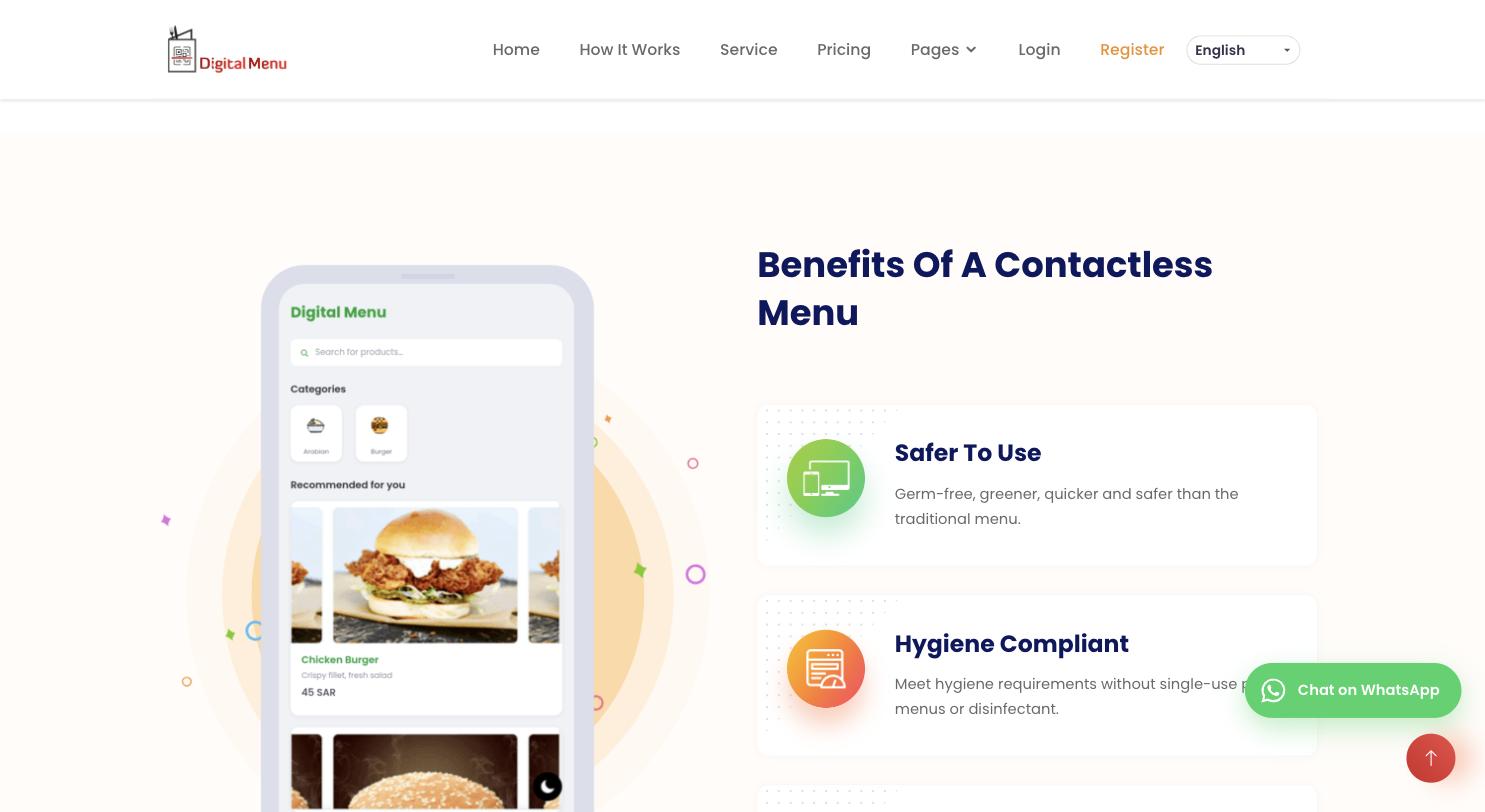
  • Category browsing, item photos, descriptions and prices, with search.
  • Guests build an order themselves and send it; it reaches the kitchen directly.
  • The restaurant edits the menu itself and the existing printed code keeps pointing at the current version.

My role

My contribution extended across the product journey—from understanding the operational need and shaping the interface direction to coordinating workflows, integrations, implementation and continuous improvement.

  • Understood the operational problem before proposing anything: out-of-date printed menus, reprint cost and waiting to order.
  • Shaped the product and the ordering flow, including the QR and table workflow.
  • Set the interface direction and the responsive behaviour across phone and desktop.
  • Built and deployed the platform — guest-facing menu and restaurant-side management.
  • Set up and manage the hosting, deployment and the notification workflow that reaches the kitchen.
  • Test, operate and keep improving it, including day-to-day content updates.

Verified capabilities

  • QR access with no app installation
  • Menu browsing by category, with search
  • Guest-built orders sent from the table
  • Self-service menu editing that keeps the printed code valid
  • Public demo menu anyone can open

How it came together

  1. 1DiscoverUnderstand the operational need
  2. 2StructureShape the flow and the data
  3. 3DesignSet the interface direction
  4. 4BuildImplement and deploy
  5. 5IntegrateConnect the moving parts
  6. 6TestVerify on real devices
  7. 7ImproveKeep changing what needs it

Screenshots

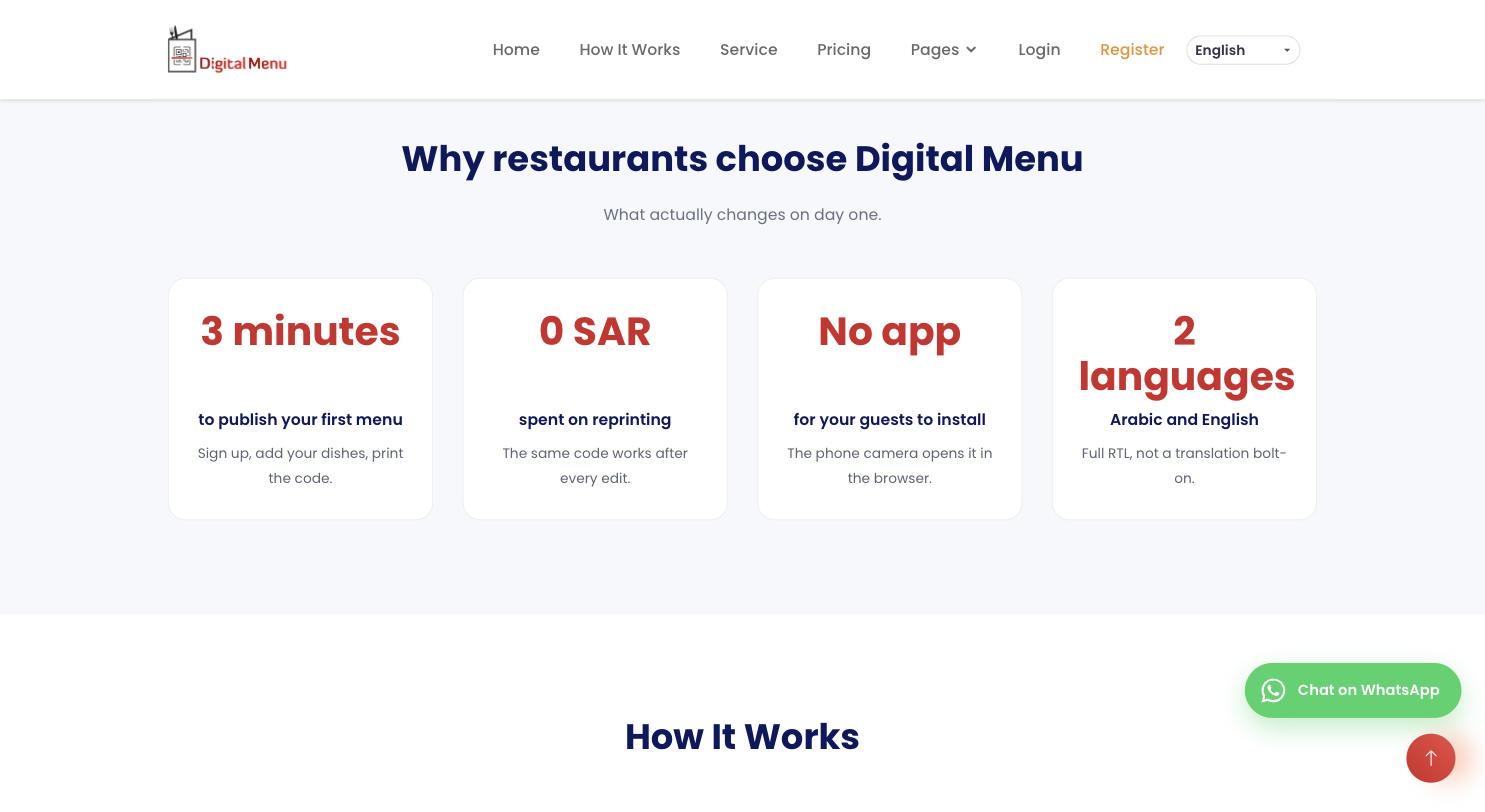
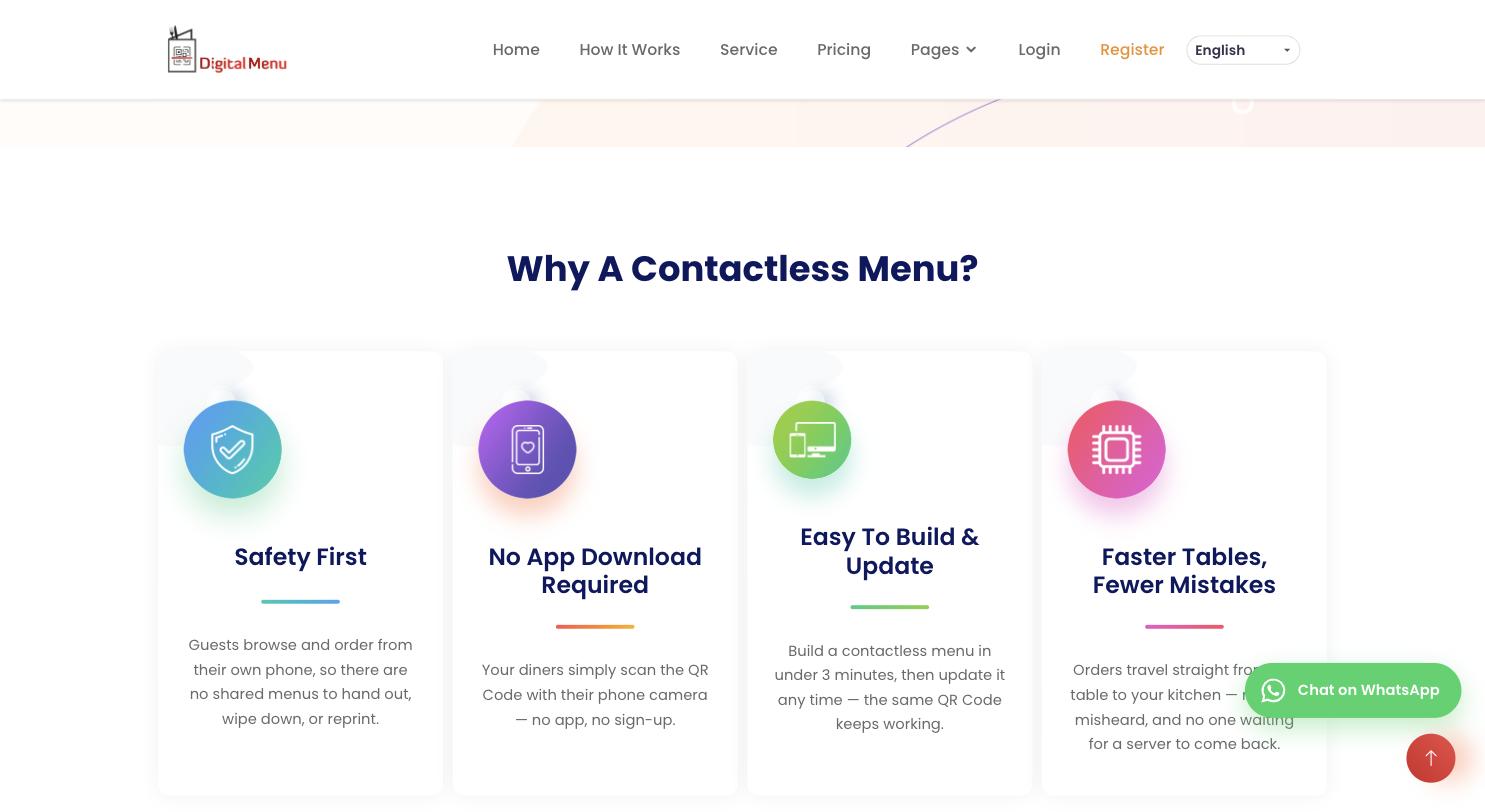
Captured from the live public site and the public demo menu. No restaurant, guest or order data is shown.

Built with
  • Web platform
  • Multi-tenant
  • QR access
  • Managed hosting